Our solution is monolith-tiered. All of our services connect to the same database. We just have different environments like DEV/QA/PROD and each have their own databases. The DEV database is suddenly showing this error.
This includes not only the Host.Api project in our deployed azure environment that connects to the DEV database, but also when I remotely connect my local running Host.Api project on my computer to the DEV database.
The errors are coming from the Host.Api project.
Yeah we seem to have that (screenshot below). We never had a problem with it until something random happened. And now this issue only comes up when we connect to that very specific database. When connecting to other databases it works fine. Db Migrations don't help and clearing all the features tables doesn't help either.

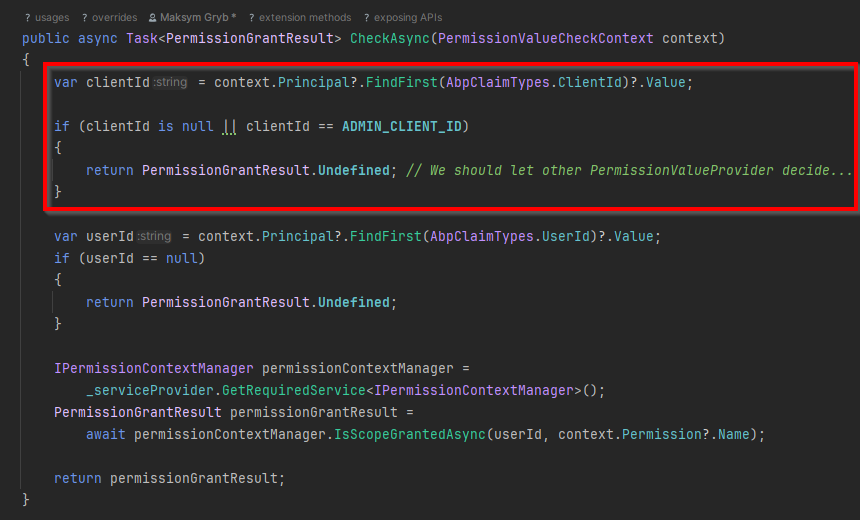
It seems that the actual error came from the singular permission grant check and from returning undefined when for the blazor app.
Removing this code seems to have fixed the issue (this is code that used to be useful, but not anymore, in our codebase).
Closing for now, as long as the issue has been resolved.
I created a new Tiered Blazor project and added a custom permission value provider that simply returns all permissions as granted and it worked fine.
But in our current solution, even the "grant all" approach has the same error.
Hi,
I tried using the Inject attribute and it still didn't work.
I've reproduced the error on a clean ABP Solution, here is the link: https://github.com/maksym-gryb/ABPTestSolution
Please try it out and let me know how we can resolve this issue in our codebase.
Hi,
after fumbling around with this feature management module, I found out that it was because we were changing the values via the "Editions" tab, whereas we had to change them in Tenants and use the "Manage Host Features" button.
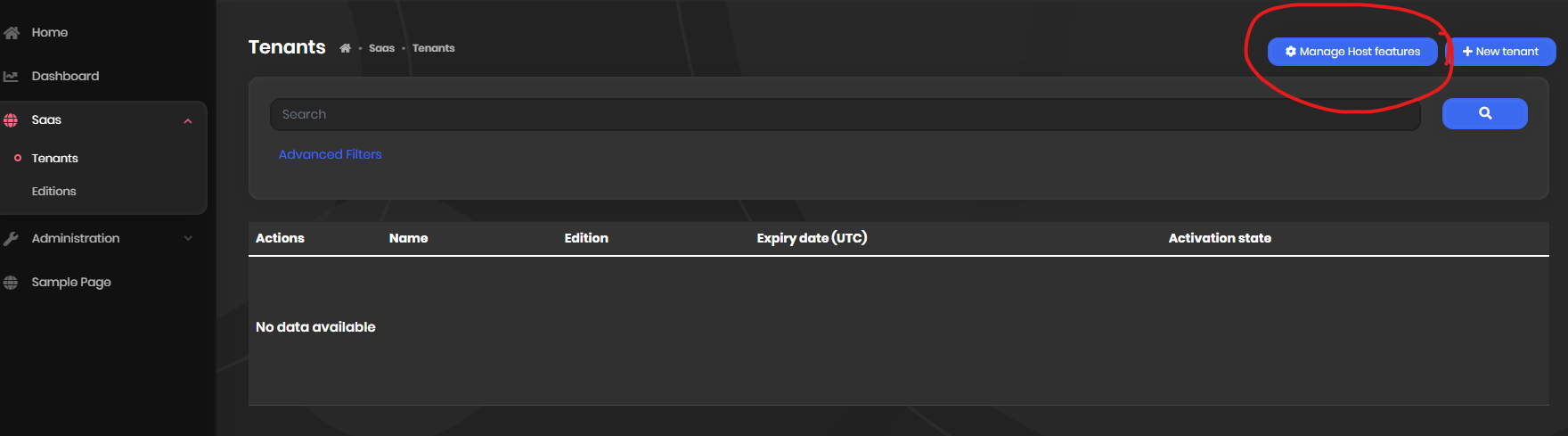
As we didn't enable multitenancy, nor do we use it, it was rather confusing to know what to look for.
This ticket can be marked as resolved.
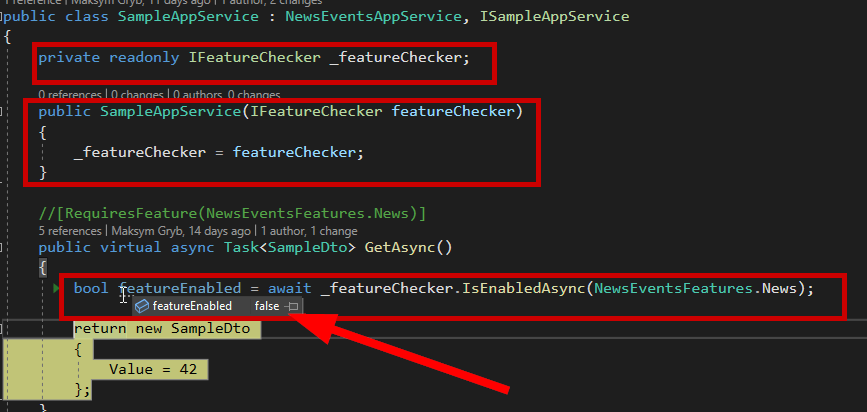
I've added virtual and async to the methods but the results are still the same.
As mentioned previously, the issue isn't in the feature management system itself not working, it's the fact that the feature which is set correctly in the database to "true"

Is still being read as "false" in abp via the feature checker
Hi, were you able to reproduce the issue?
Hi, were you able to replicate the issue? Or are you able to get ISettingManager in a module instantiated in an ABP solution?
I was wondering if it could be because it was a long-lived ABP solution and we did a lot of changes to it. But I created a brand new ABP Solution and created a module within that Solution and tried again and still couldn't get ISettingManagement to work in the module.
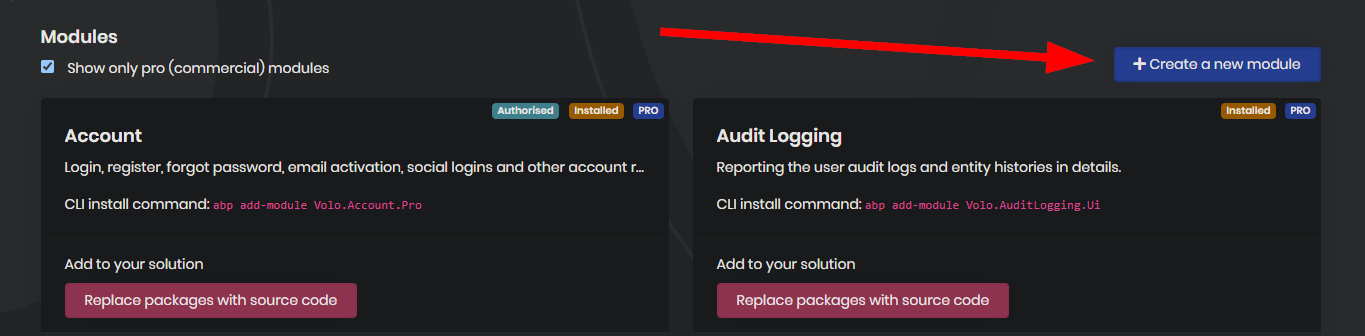
btw, I used ABP suite to create this module within the solution (both times) using this button: