Thanks, that will work for us ;-)
Will you continue to support the old CLI? Or is this something that will disappear?
See my answer above.
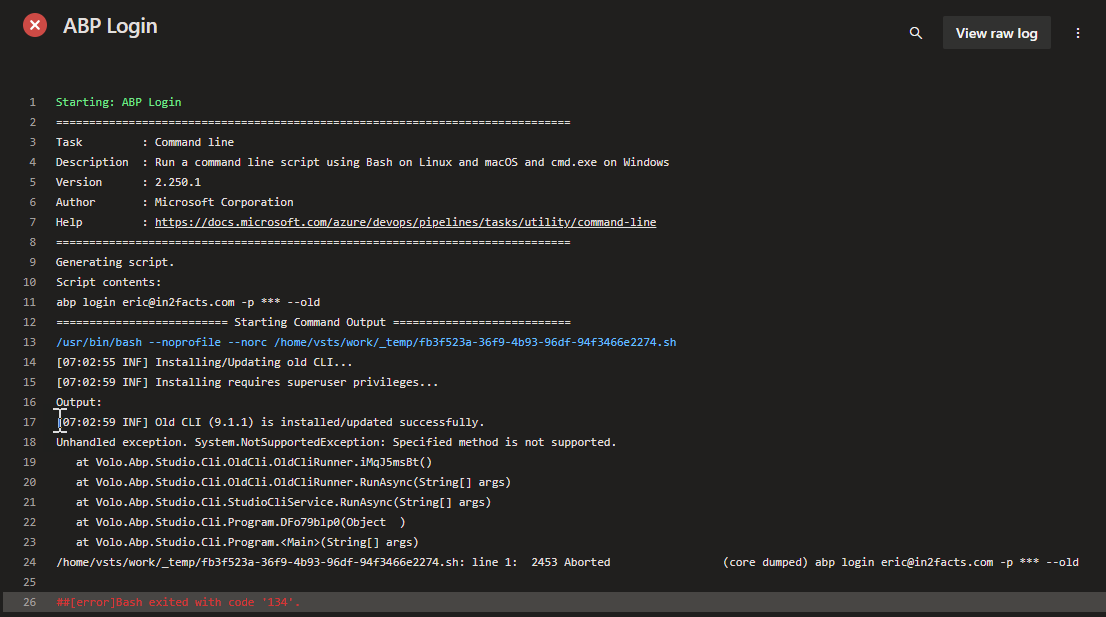
This works for the moment: dotnet tool install -g Volo.Abp.Cli As it installs the latest (old) CLI.
Also tried with the --old switch, but that resulted in an error as well
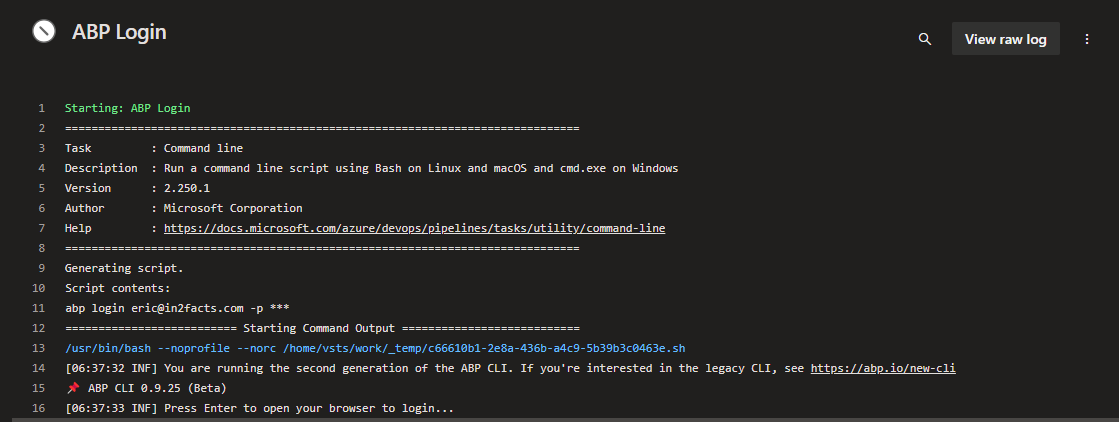
I'm getting a message saying that I need to open the browser to login, but since this jobrunner is a standard devops agent, that is not possible
Oh, but you didn't answer my question :-) Where should this code go? In each specific file? Can you please give an example?
ah OK. Thanks. We will upgrade soon.
Hi,
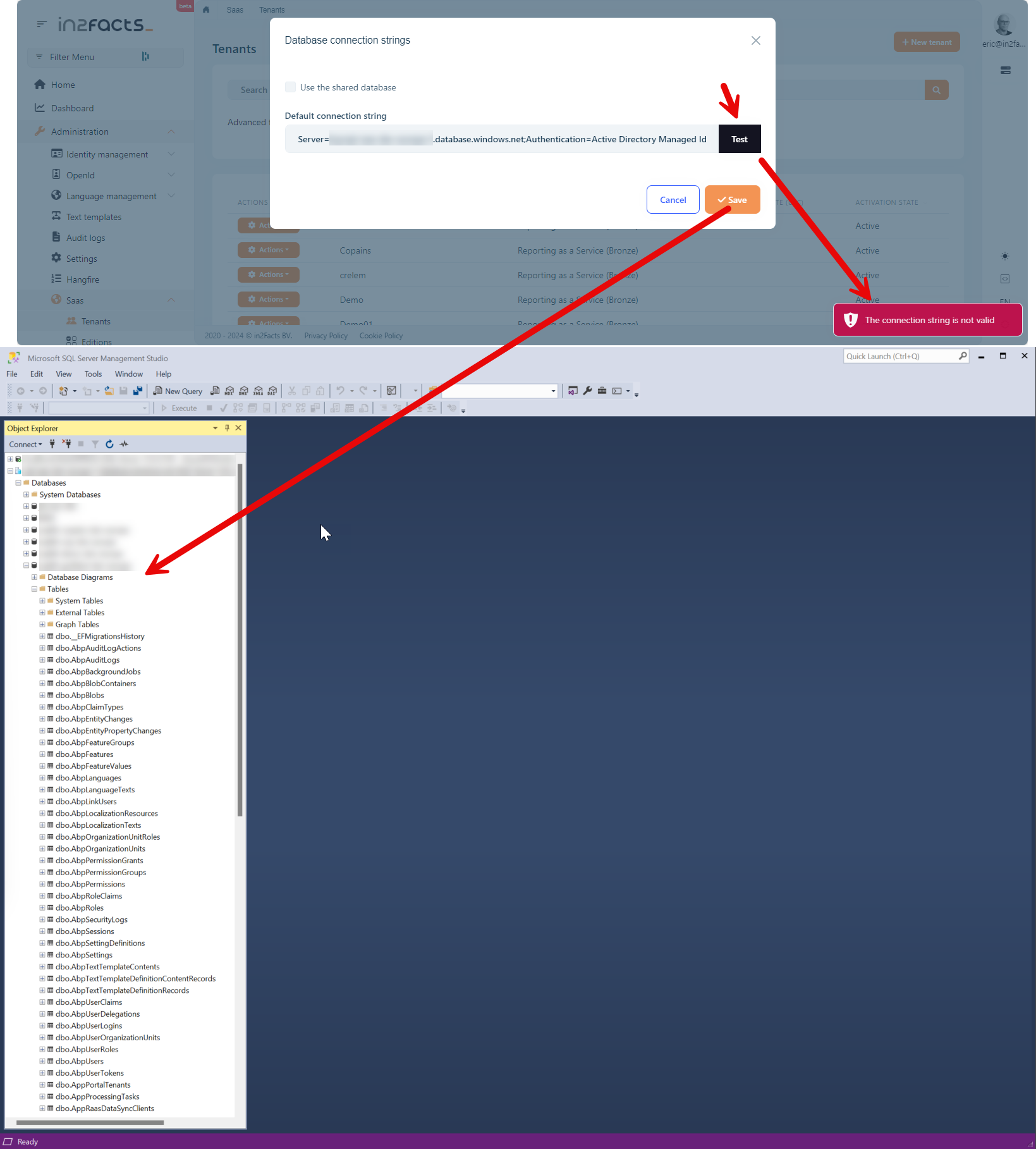
Is there a specific reason why the initial catalog is replaced by master? in the connectionstring checker? https://github.com/abpframework/abp/blob/b23affb0ed225f020dc7b66aebc208acd71a1c01/framework/src/Volo.Abp.EntityFrameworkCore.SqlServer/Volo/Abp/EntityFrameworkCore/ConnectionStrings/SqlServerConnectionStringChecker.cs#L20-L21
Managed identities should not have access to master, they are database scoped credentials and only need to have access to the Database (or Initial Catalog) passed in the connectionstring.
Hi,
We are sending our errors to Azure Application Insights, so we don't have a logfile.
BUT, it's even more weird: The test actually fails, but when hitting save, the database gets created. So there is definitely something wrong with that connection string check that doesn't take into account valid connectionstrings using Managed Identity syntax.
Hi Li,
I don't believe you are answering my questions.
The error is a result of pushing the Check button:
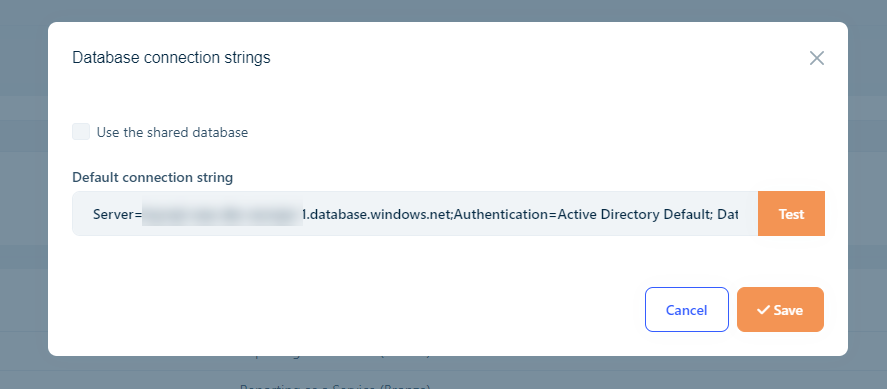
The content I use is: Server=tcp:XXXXX-europe-1.database.windows.net;Authentication=Active Directory Default; Database=XXXXXX-dev-europe;
As you might know, www.connectionstrings.com does not give a good example of using System Assigned Managed Identity with SQL Azure
But on the Microsoft website there are some good instructions on how to setup Managed Identity with App Service. https://learn.microsoft.com/en-us/azure/app-service/tutorial-connect-msi-sql-database?tabs=windowsclient%2Cefcore%2Cdotnet#3-modify-your-project
And I'm using the connectionstring as defined in the example: "Server=tcp:<server-name>.database.windows.net;Authentication=Active Directory Default; Database=<database-name>;"
So my questions are still:
I would appreciate if you can give this some thoughts.




